Mid-Air Games
Four games you play with your hands and face. No download, no account.
- Pick a game. Click a card, or activate gesture control and show 1–4 fingers. Make a left fist to launch.
- Choose your input. Use your hands or face on camera, or a mouse or touch where offered.
- Allow camera if asked. Mouse and touch never need a camera; video never leaves your browser.
Best on a desktop or laptop: AI Gesture Rush and Gesture Glide need a webcam and a wide screen. Gesture Shooter and Globe Explorer work with a mouse or touch.
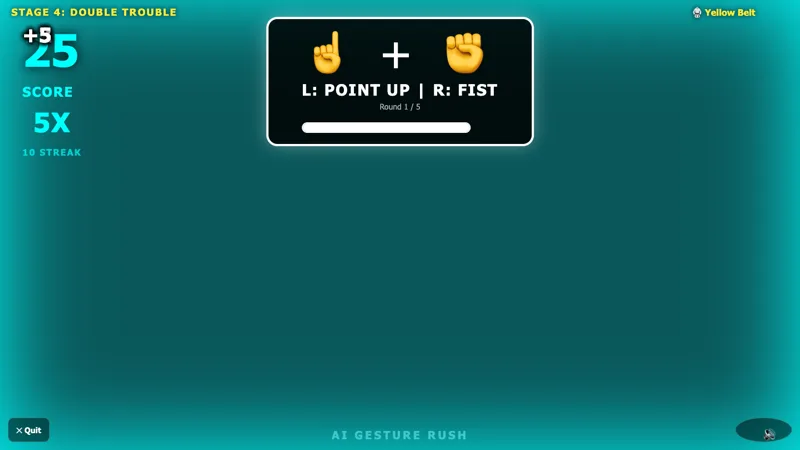
AI Gesture Rush
Copy hand and face poses before the timer runs out. Solo stages or a 1v1 duel.
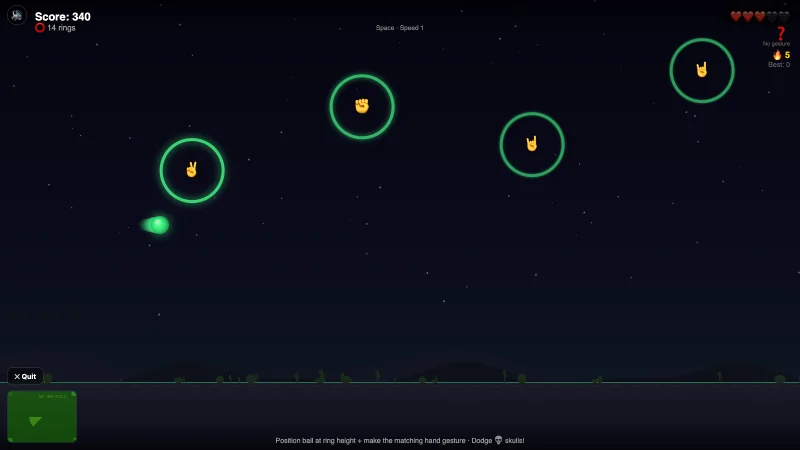
Gesture Glide
Meet each ring and make its pose. Solo or 1v1 on one webcam.
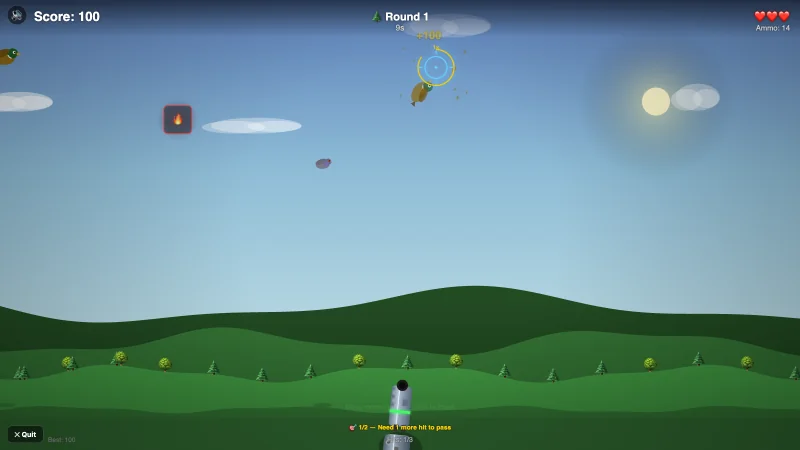
Gesture Shooter
Duck Hunt with hand, face, mouse, or touch. Five biomes, bosses, and power-ups.
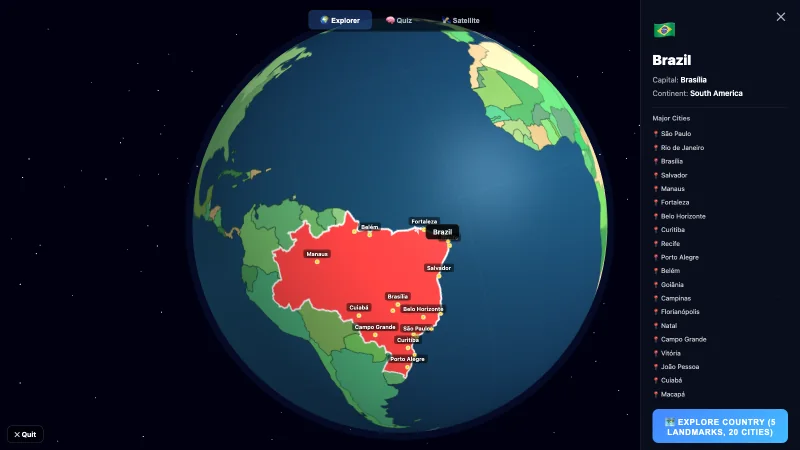
Globe Explorer
Explore 160 countries with hand, face, mouse, or touch. Take the 10-question quiz.
Free webcam games, nothing to install
Play four free games in your browser. No download, account, or email. Allow the camera only for hand and face tracking: video is processed on your device and is never uploaded or recorded. The privacy page explains exactly what is stored.
Pick a card, or activate gesture control and show 1–4 fingers with your right hand to choose a game. Make a fist with your left hand to launch. Rush and Glide need a webcam and a wide screen. Shooter and Globe work with a mouse or touch and need no camera. The how to play guide lists every control and camera troubleshooting step.